Bring your document.
Open any PDF, even a scanned one. Your file stays in the browser, exactly where it belongs.
 inkmarkLOCAL BY DESIGN
A lease. An offer. One last form.
Add your signature right in
your browser,
then get on with the good stuff.
Print. Sign. Scan. Email.
→THE INKMARK WAYOpen. Sign. Done.
Open any PDF, even a scanned one. Your file stays in the browser, exactly where it belongs.
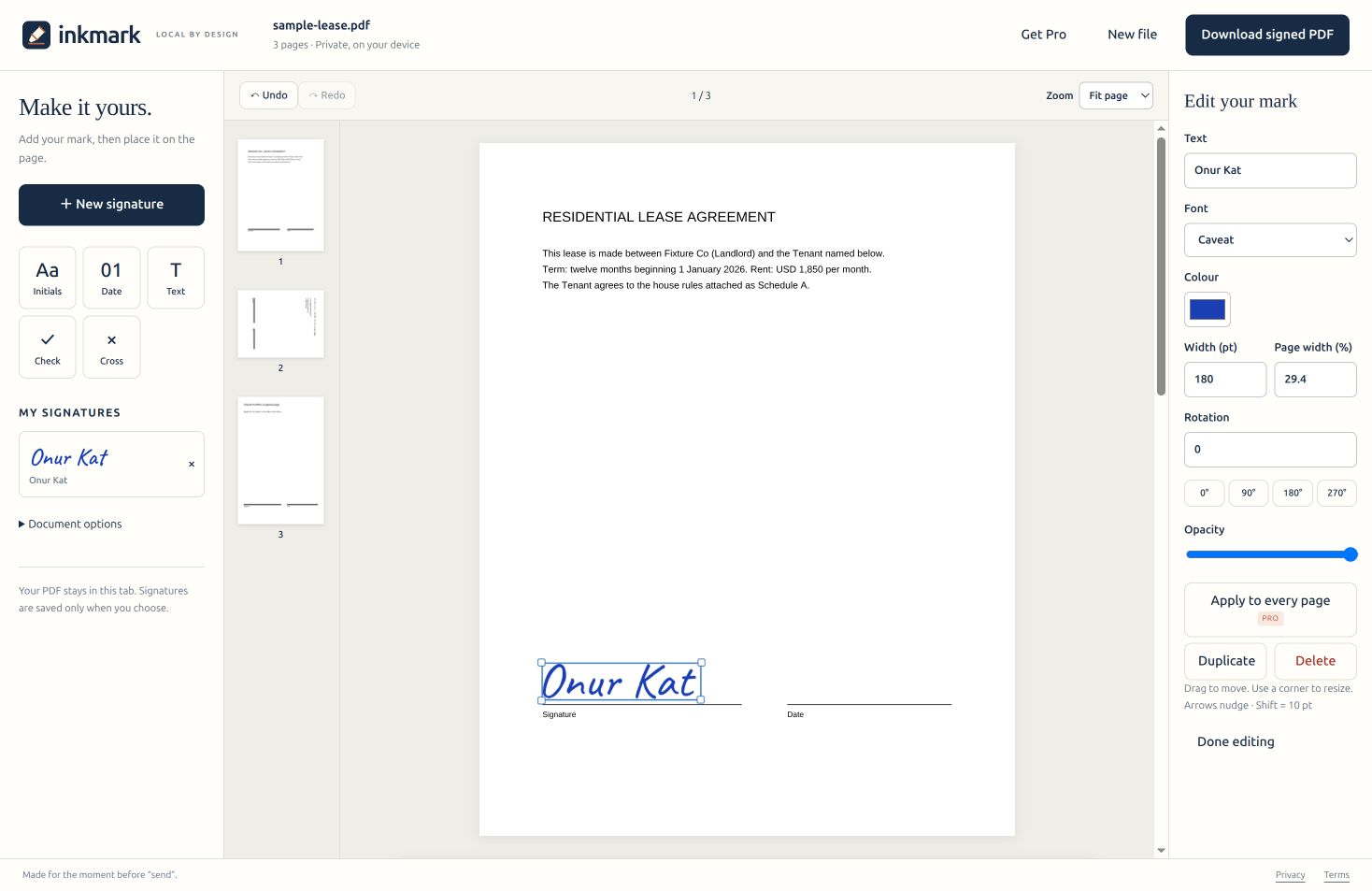
Type in a handwriting font, draw with a pen or finger, or upload an image. Pick your ink. Find your spot.
Download a signed PDF that looks right in every viewer. Crisp vector signatures, with the original pages intact.
Inkmark for Chrome brings the same signing workspace to your browser toolbar. Open a PDF, click Inkmark, and sign. Enable automatic opening if you want to skip the extra click.
Explore the signing workspace →Download the extension package, unzip it, then open chrome://extensions, turn on Developer mode and choose Load unpacked. Select the unzipped folder. For local PDFs, enable “Allow access to file URLs” in Inkmark’s details.
Download Inkmark for Chrome (.zip)Chrome 128 or newer. Optional website access is requested only when needed.
 THE SAME WORKSPACE, IN YOUR TAB
Real handwriting fonts, embedded in your PDF.
Any colour. Any
size. Sharp at every zoom.
Caveat, Dancing Script and Homemade Apple are free. All eight come with Pro.
No uploads. No tracking. No remote processing. Your PDF lives in the current tab. Remember a signature only if you choose, and remove it whenever you like.
How we protect your privacy →$0Always.
$9per year · or $24 lifetime
No. PDF reading, signature creation and export run locally. The extension reads the PDF you explicitly open. Only license activation and validation contact Lemon Squeezy.
Simple electronic signatures are generally accepted for many agreements under the US ESIGN Act and EU eIDAS rules. Requirements and exceptions depend on the document and jurisdiction. Inkmark does not verify identity or create a qualified or cryptographic digital signature. This is not legal advice; confirm what your recipient requires.
Yes. Place your signature over any PDF page, including scans. Inkmark does not perform OCR or edit existing page text.
Original pages are preserved. Typed signatures use embedded subset fonts and drawn signatures use vector paths. Image signatures keep their original resolution.
Choose “Remember this signature on this device.” Free saves one; Pro saves as many as you need. Nothing is saved automatically, and documents are never stored.
No. Inkmark adds simple visual electronic signatures. Digital certificates, qualified signatures, multi-party workflows and identity verification are outside this product.
One less thing between you and your day.
Sign your PDF →